
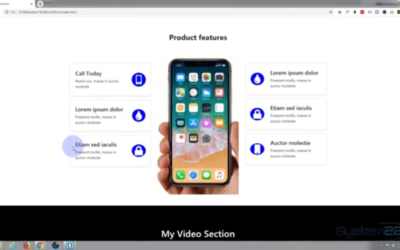
Create A File Download CTA Button With Bootstrap 4
To create a file download CTA button with bootstrap 4, we first need to go to our root directory and either upload or choose the file that we wish to have all visitors download. For the best results we are going to convert off file or files to a compressed zip file....
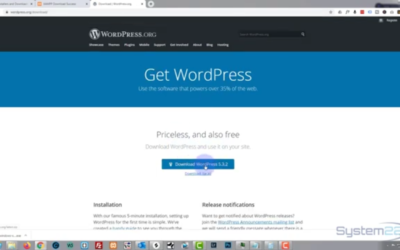
Install WordPress on your local computer using Xampp
How to install wordpress on localhost with xampp. To install WordPress on our local PC or Mac, we first need to go to the xampp website to download the software that we need. Select the version that is correct for your computer, then hit the download button. Once the...
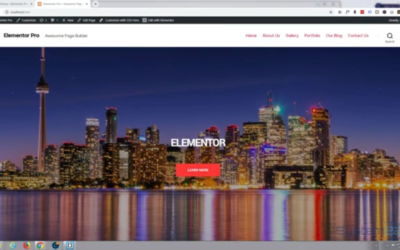
How To Make A Fixed Position Sticky Header With WordPress 2020 Theme
How To Make A Fixed Position Sticky Header With Wordpress 2020 Theme. The 2020 theme is a new free theme from WordPress. In this video we are going to demonstrate how to turn a moving header into a sticky, fixed position header, so that it remains in the place when...
Scrolling Image With Video Lightbox Using Divi Supreme Modules Plugin
Today we're going to create a scrolling image with a video lightbox effect. To do this we are going to use the awesome , there is a free version and a pro version, you can download them from my affiliate link . The scrolling image effect is really useful especially if...

How To Add A Live Facebook Feed With Divi 4
Today we are going to cover how to add a live Facebook feed with Divi 4. To enable us to do this we are going to have to go to the Facebook developers page, didn't get the code that we need to add the feed to a site. What's on the developers page paste in the URL of...

How To Make A Navbar Image Background With Divi 4
In this video we’re going to show you how to make a navbar image background with the Divi 4 theme. First thing I’m going to need to do is grab some images
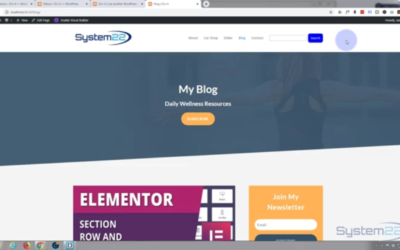
How to add a search box to your menu with WordPress
How to add a search box to your menu with WordPress. In this video we're going to show you how to add a search box to your menu in WordPress. This method will work with any WordPress theme. We will be using the Divi 4 theme from elegant themes. First thing we need to...
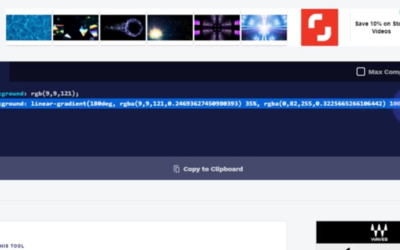
How to make a navbar gradient background with the Divi 4 theme
Make a navbar gradient background with the Divi 4 theme. By default, the Divi 4 theme will let you add colors

How To Create A Menu Underline Hover Effect With Divi 4
We are going to demonstrate how to create a menu underline hover effect with Divi 4. To achieve this today we are

Divi 4 How To Clear The CSS File Cache,
I ran into an interesting problem when trying to clear some CSS on my Divi 4 website. I had written some custom CSS code for my menu links, to turn them into pill shaped buttons. I decided to delete the CSS and return the links to their normal state with no decoration. I went into my custom CSS panel by coming to dashboard, divi, and then theme options. On the general tab the custom CSS box he’s at the bottom off the page.