
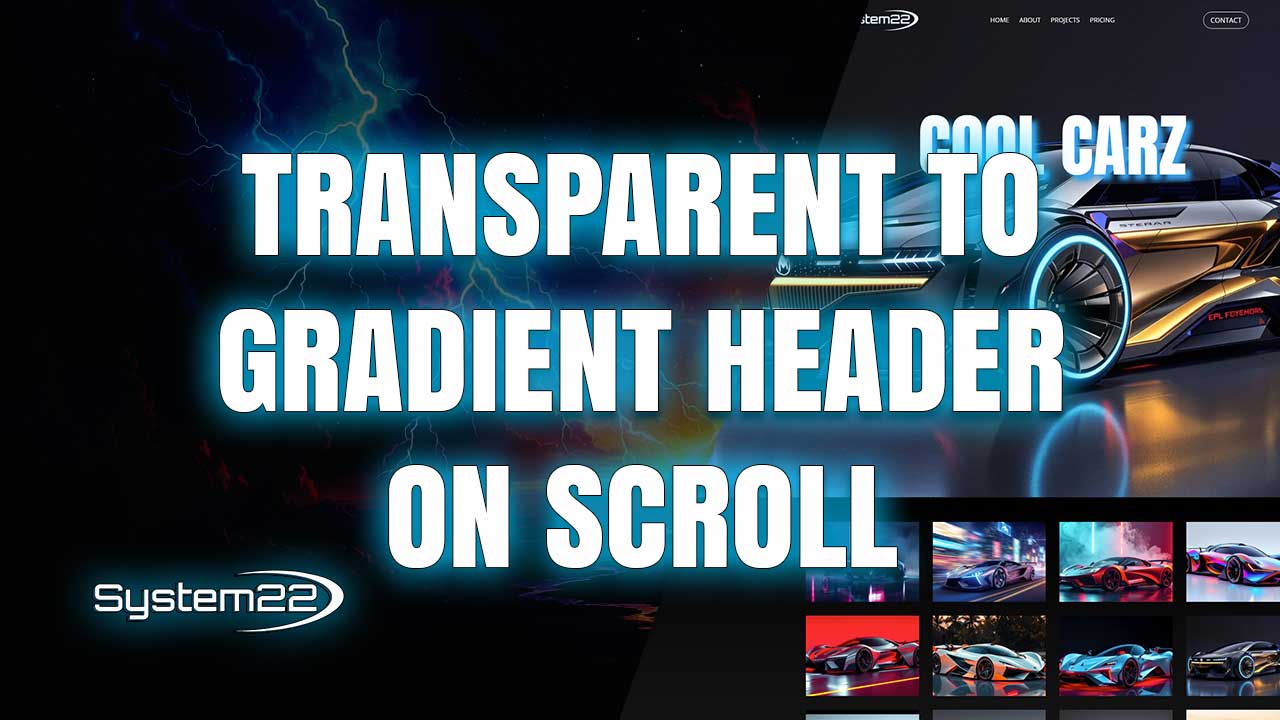
Divi 5 Transparent Header to Gradient Background on Scroll
A transparent header is a popular design choice for modern websites, especially when paired with large hero sections or full-width imagery. In Divi 5, you can take this concept further by transitioning the header from transparent to a gradient background as the user scrolls, ensuring navigation remains visible over varying content.
This type of scroll-reactive header improves both aesthetics and usability. At the top of the page, the transparent header allows the hero section to shine. As users scroll, the gradient background increases contrast, making menu items easier to read against different background colors.
Divi 5 makes this effect possible using native design controls and scroll-based styling options. By building the header inside the Theme Builder, you gain full control over how the header behaves globally across your site.
The process begins by creating a custom header layout in the Theme Builder. The initial state of the header uses a transparent background, allowing underlying content to remain visible. This sets the foundation for the scroll transition effect.
Next, you define the scrolled state of the header. Using Divi 5’s scroll effects, you apply a gradient background that activates once the user scrolls past a defined point. The gradient helps maintain text contrast while adding visual interest.
Negative margins play an important role in this layout. Because the header starts transparent and overlays the page content, adjusting the top margin of the first section ensures content aligns correctly without leaving unwanted gaps.
Divi 5 allows precise control over spacing, making it easy to fine-tune margins for different screen sizes. This ensures the layout remains balanced regardless of viewport width or device orientation.
Menu visibility is a key concern with transparent headers. Divi’s design options let you adjust menu text color, hover states, and active states independently for default and scrolled views, ensuring optimal readability at all times.
Responsiveness is built into every step of the process. You can adjust header height, padding, font size, and gradient intensity for desktop, tablet, and mobile views, ensuring the header remains functional and visually consistent.
This scroll-based header effect works particularly well for landing pages, portfolios, and business websites that rely on strong first impressions. It creates a smooth transition between the hero section and the rest of the page content.
From a performance perspective, using Divi’s native tools means no additional scripts or plugins are required. This keeps your site lightweight, fast, and easier to maintain over time.
By implementing a transparent-to-gradient header in Divi 5, you create a modern navigation experience that adapts to scrolling behavior while maintaining clarity and style across all devices.
Try out the Divi theme:
https://www.elegantthemes.com/affiliates/idevaffiliate.php?id=33651
Divi 5 Playlist:
https://www.youtube.com/playlist?list=PLqabIl8dx2wrUbEebdYhvi9W7TF2zh-De
Divi Ultimate Guide For Getting Started:
https://www.youtube.com/playlist?list=PLqabIl8dx2woKN3MwcKmb0cNW9b-SubTU
Divi 5 For Beginners:
https://www.youtube.com/playlist?list=PLqabIl8dx2wpTPJVF5ebgkOmcbd8QsUZP
Divi Supreme Modules Pro Plugin 10% Off:
https://divisupreme.com/system22/?ref=6
Divi Supreme Modules Light Plugin:
https://divisupreme.com/divi-plugins/?ref=6
Divi Supreme Modules Playlist:
https://www.youtube.com/watch? v=ZAO2MH0dQtk&list=PLqabIl8dx2wo8rcs-fkk5tnBDyHthjiLw
Playlist page for more videos on this:
https://www.youtube.com/c/System22Net/playlists
Full Ecommerce Site Build Playlist:
https://www.youtube.com/watch? v=rNhjGUsnC3E&list=PLqabIl8dx2wq6ySkW_gPjiPrufojD4la9
Contact Form With File Upload Video:
https://youtu.be/WDo07nurfUU
Divi 4 Theme Create An Ecommerce Store In One Hour:
https://youtu.be/qP-ViPakoSw
Sub:
https://www.youtube.com/channel/UCYeyetu9B2QYrHAjJ5umN1Q?sub_confirmation=1
Latest YouTube Videos



