
Divi 5 Page Manager & Instant Preview System – Complete Guide
Divi 5 introduces a major leap forward in website building efficiency with the new Page Manager and Instant Preview system. These features are designed to eliminate unnecessary steps, reduce context switching, and dramatically speed up your workflow when building WordPress websites using Divi.
One of the biggest frustrations for Divi users in previous versions was constantly jumping back to the WordPress dashboard to manage pages, posts, or projects. Divi 5 solves this problem by bringing full page management directly into the Divi Builder interface.
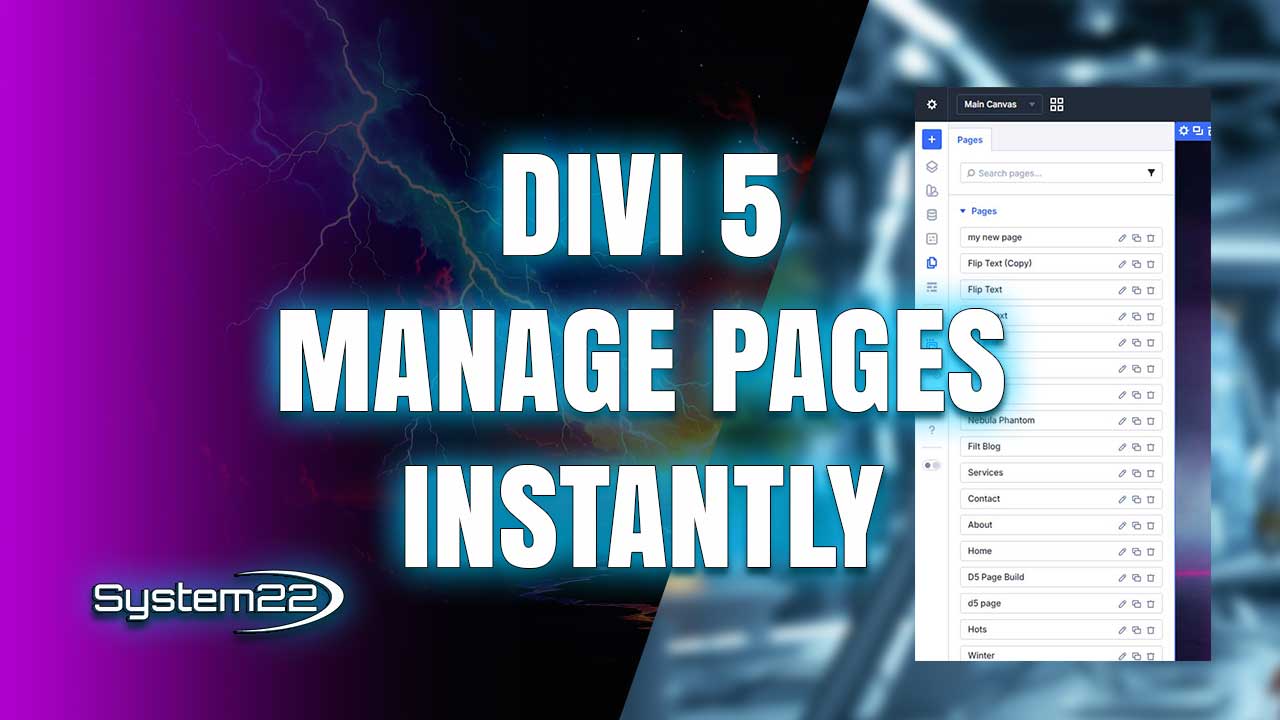
The new Divi 5 Page Manager allows you to add new pages, delete existing ones, or clone entire layouts without ever leaving the builder. This is especially powerful when working on large websites with dozens of pages or landing pages.
For agencies and freelancers, this change alone can save hours on every project. Instead of breaking your creative flow, you can now stay focused inside the builder while managing the entire site structure in real time.
Cloning pages in Divi 5 is faster and more reliable than ever. You can duplicate pages, posts, or projects instantly, making it easy to create design variations, A/B test layouts, or spin up new pages based on proven templates.
The second major upgrade in Divi 5 is the Instant Preview system. With a single click, you can preview your full page design without the Divi interface overlay, giving you a true front-end view of your website.
Unlike previous preview methods, Divi 5’s Instant Preview opens in the same window, keeping you in your workflow. There’s no page reload, no new tab, and no waiting, which makes checking spacing, animations, and responsiveness incredibly fast.
This feature is a game changer for designers who need to see how their layouts look to real users. You can instantly toggle between editing mode and clean preview mode while making live adjustments.
When combined, the new Page Manager and Instant Preview system create one of the smoothest workflows Divi has ever offered. Everything happens in one place, making Divi 5 feel faster, lighter, and more professional.
These updates also align Divi 5 with modern design tools and page builders that prioritize speed, usability, and uninterrupted creative flow. Elegant Themes is clearly focused on improving real-world productivity.
Whether you’re building landing pages, business websites, online stores, or client projects, Divi 5’s new features help you work smarter, not harder, while delivering better results in less time.
If you’re serious about WordPress web design, the Divi 5 Page Manager and Instant Preview system are must-use features. They represent a major step forward in how websites are built with Divi, and they’re only the beginning.
Try out the Divi theme:
https://www.elegantthemes.com/affiliates/idevaffiliate.php?id=33651
Divi 5 Playlist:
https://www.youtube.com/playlist?list=PLqabIl8dx2wrUbEebdYhvi9W7TF2zh-De
Divi Ultimate Guide For Getting Started:
https://www.youtube.com/playlist?list=PLqabIl8dx2woKN3MwcKmb0cNW9b-SubTU
Divi 5 For Beginners:
https://www.youtube.com/playlist?list=PLqabIl8dx2wpTPJVF5ebgkOmcbd8QsUZP
Divi Supreme Modules Pro Plugin 10% Off:
https://divisupreme.com/system22/?ref=6
Divi Supreme Modules Light Plugin:
https://divisupreme.com/divi-plugins/?ref=6
Divi Supreme Modules Playlist:
https://www.youtube.com/watch? v=ZAO2MH0dQtk&list=PLqabIl8dx2wo8rcs-fkk5tnBDyHthjiLw
Playlist page for more videos on this:
https://www.youtube.com/c/System22Net/playlists
Full Ecommerce Site Build Playlist:
https://www.youtube.com/watch? v=rNhjGUsnC3E&list=PLqabIl8dx2wq6ySkW_gPjiPrufojD4la9
Contact Form With File Upload Video:
https://youtu.be/WDo07nurfUU
Divi 4 Theme Create An Ecommerce Store In One Hour:
https://youtu.be/qP-ViPakoSw
Sub:
https://www.youtube.com/channel/UCYeyetu9B2QYrHAjJ5umN1Q?sub_confirmation=1
Latest YouTube Videos



