
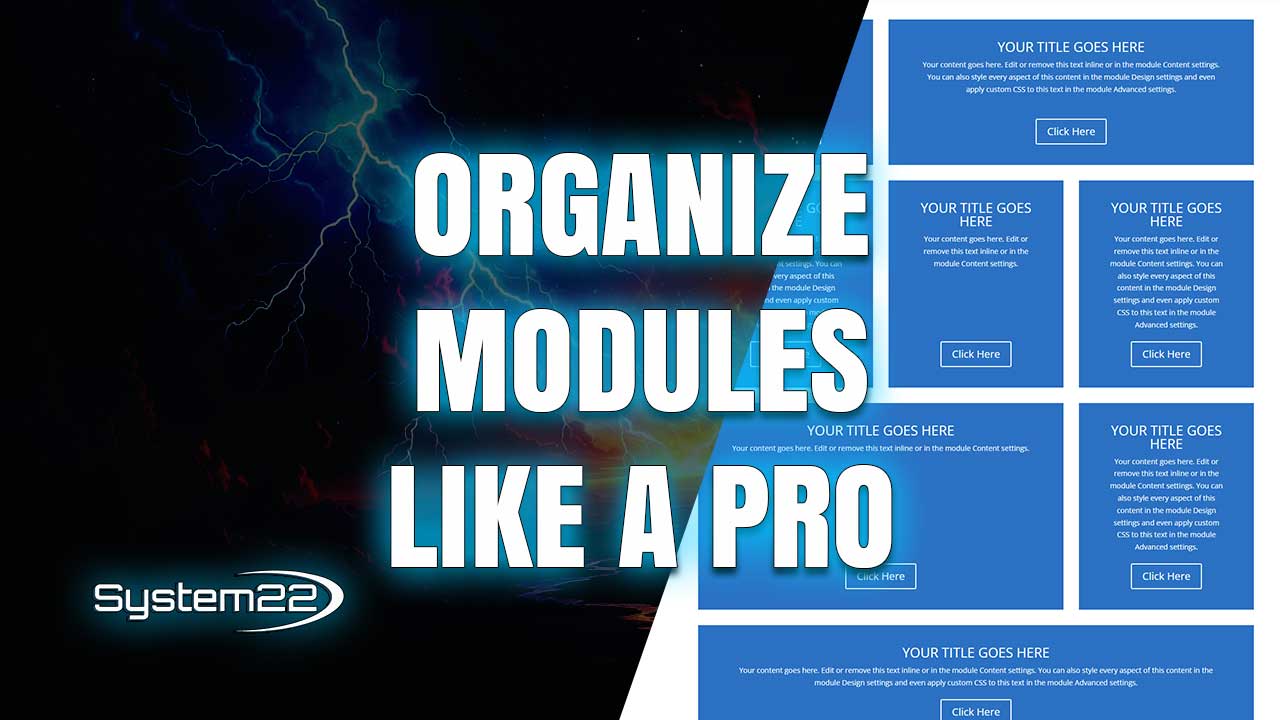
Divi 5 Flexbox Layouts – Organize Modules the Easy Way
Divi 5 introduces a completely new way to organize modules using its built-in Flexbox system, making layout design faster, cleaner, and far more responsive than ever before. If you’ve ever struggled with spacing, alignment, or inconsistent layouts across devices, Divi 5’s flex features are designed to solve those problems without custom CSS or complicated workarounds.
The flexbox system in Divi 5 allows you to control how modules flow inside columns using flexible alignment rules. Instead of stacking modules vertically by default, you can align them horizontally, center them vertically, distribute space evenly, or reverse their order with just a few clicks. This opens up a huge range of layout possibilities that previously required custom code.
One of the biggest advantages of using flexbox in Divi 5 is responsive control. You can define different column spans for desktop, tablet, and mobile devices, ensuring your layouts look intentional on every screen size. This makes it much easier to create professional designs that adapt naturally instead of breaking or feeling cramped on smaller screens.
Using column-based flex layouts, you can group modules together and align them precisely within a section. This is especially useful for service blocks, feature lists, pricing layouts, and hero sections where visual balance is critical. With Divi 5, these layouts can now be built visually and adjusted in real time.
Another major benefit of the Divi 5 flex system is content reordering. Instead of duplicating sections or relying on visibility settings, flexbox allows you to reorder modules differently on mobile devices. This ensures important content appears first on smaller screens while maintaining a clean desktop layout.
Spacing and alignment are also much easier to manage with flexbox. You can control gaps between modules, align items to the start, center, or end of a column, and distribute space evenly without adding margins or padding hacks. This results in cleaner designs and more predictable behavior across browsers.
Divi 5’s flexbox system works seamlessly with existing modules, meaning you don’t need special elements or third-party plugins. Any standard module can be placed inside a flex column and instantly benefit from the new layout controls. This makes it incredibly easy to upgrade older designs to modern standards.
For designers working on complex layouts, flexbox provides consistency. Once you understand how flex alignment works, you can reuse the same layout logic across multiple pages. This reduces design time and ensures a cohesive look throughout your website.
Flexbox is also ideal for interactive layouts where content needs to adapt dynamically. Whether you’re building call-to-action sections, icon grids, or mixed content blocks, Divi 5’s flex system gives you the flexibility to fine-tune layouts without breaking responsiveness.
Performance and maintainability are improved as well. Because flexbox reduces the need for excessive nested rows or custom CSS, your layouts remain lightweight and easier to manage. This is especially important for long-term projects where updates and changes are inevitable.
If you’re transitioning from Divi 4, the flexbox system in Divi 5 will feel like a major upgrade. Tasks that once required trial and error can now be handled visually, making layout design more intuitive for beginners and more efficient for experienced users.
By mastering Divi 5’s flexbox features, you gain complete control over how your content is displayed on every device. From simple alignment tweaks to complex responsive structures, flexbox gives you the tools to design smarter and faster.
Whether you’re building client websites, landing pages, or personal projects, learning how to organize modules with Divi 5’s flex system is one of the most valuable skills you can add to your workflow. It simplifies layout creation, improves responsiveness, and helps you build modern websites without touching code.
Try out the Divi theme:
https://www.elegantthemes.com/affiliates/idevaffiliate.php?id=33651
Divi 5 Playlist:
https://www.youtube.com/playlist?list=PLqabIl8dx2wrUbEebdYhvi9W7TF2zh-De
Divi Ultimate Guide For Getting Started:
https://www.youtube.com/playlist?list=PLqabIl8dx2woKN3MwcKmb0cNW9b-SubTU
Divi 5 For Beginners:
https://www.youtube.com/playlist?list=PLqabIl8dx2wpTPJVF5ebgkOmcbd8QsUZP
Divi Supreme Modules Pro Plugin 10% Off:
https://divisupreme.com/system22/?ref=6
Divi Supreme Modules Light Plugin:
https://divisupreme.com/divi-plugins/?ref=6
Divi Supreme Modules Playlist:
https://www.youtube.com/watch? v=ZAO2MH0dQtk&list=PLqabIl8dx2wo8rcs-fkk5tnBDyHthjiLw
Playlist page for more videos on this:
https://www.youtube.com/c/System22Net/playlists
Full Ecommerce Site Build Playlist:
https://www.youtube.com/watch? v=rNhjGUsnC3E&list=PLqabIl8dx2wq6ySkW_gPjiPrufojD4la9
Contact Form With File Upload Video:
https://youtu.be/WDo07nurfUU
Divi 4 Theme Create An Ecommerce Store In One Hour:
https://youtu.be/qP-ViPakoSw
Sub:
https://www.youtube.com/channel/UCYeyetu9B2QYrHAjJ5umN1Q?sub_confirmation=1
Latest YouTube Videos



