
Divi 5 Background Options – Colors, Gradients, Videos & More
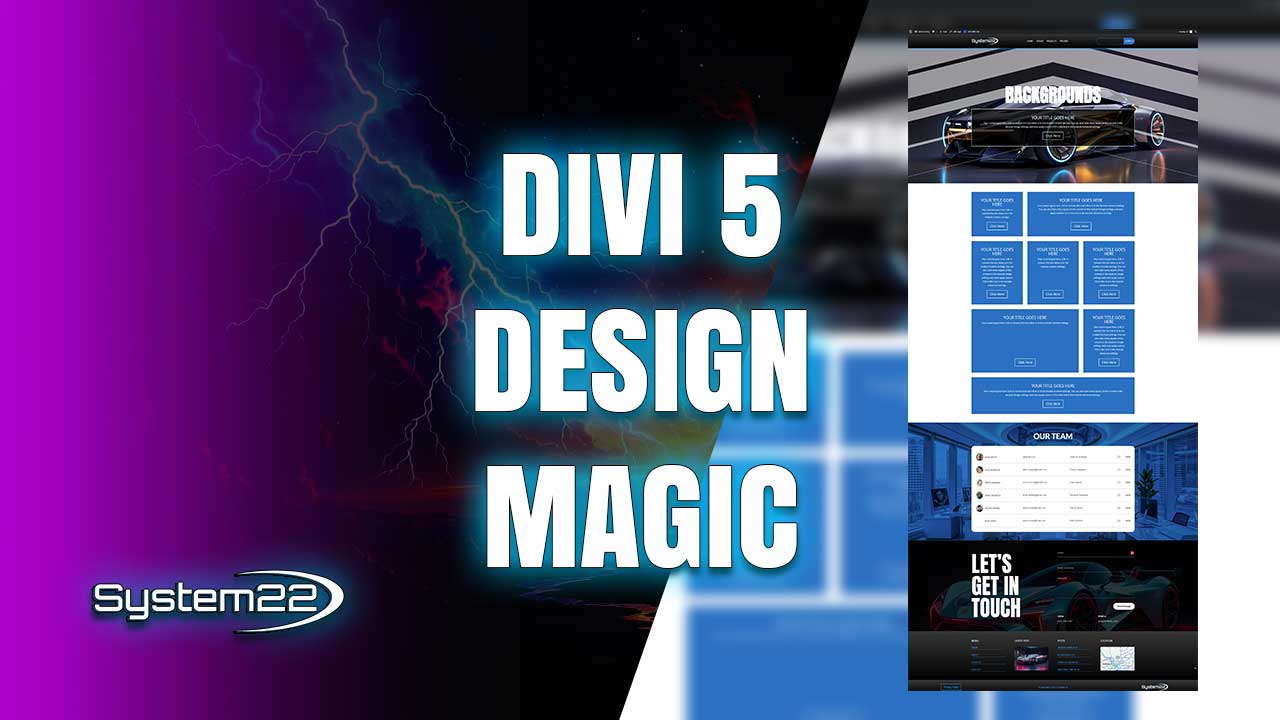
Divi 5 introduces an expanded and more flexible background system that gives designers full creative control over how their layouts look and feel. Backgrounds are no longer just flat colors or static images. With Divi 5, backgrounds become an active design element that can add depth, contrast, and visual interest to any page.
One of the most commonly used background options in Divi 5 is background color. While simple, color backgrounds are incredibly powerful when combined with spacing, typography, and layout choices. Divi 5 allows precise control over color selection, opacity, and responsive behavior, making it easy to maintain consistency across devices.
Gradients take backgrounds a step further by blending multiple colors together. Divi 5’s gradient editor makes it easy to create smooth transitions, angled effects, or layered overlays. Gradients can be subtle or bold depending on your design goals, and they work especially well for hero sections and call-to-action areas.
Background images remain a core feature, but Divi 5 enhances how images interact with other background elements. You can layer images with gradients or masks to create more dynamic compositions. This layering approach allows you to guide the viewer’s eye and add depth without overwhelming the layout.
Background videos are another powerful option for creating immersive designs. Divi 5 supports video backgrounds that autoplay and loop seamlessly, making them ideal for hero sections or storytelling layouts. When used sparingly, background videos can dramatically increase visual engagement.
Patterns introduce texture into a design without adding heavy imagery. Divi 5 includes built-in background patterns that can be combined with colors or gradients. These patterns are lightweight and scalable, making them a great alternative to large image files.
Masks allow you to shape backgrounds in creative ways. With Divi 5 background masks, you can apply geometric or organic shapes that overlay colors, gradients, or images. Masks help break up rigid layouts and add visual rhythm to a page.
One of the most exciting aspects of Divi 5 backgrounds is the ability to mix multiple background types together. For example, you can combine a gradient with a pattern and a mask to create a layered effect that looks custom-designed without any code.
Divi 5 also makes it easy to control background visibility across devices. You can adjust colors, images, or patterns specifically for mobile or tablet views, ensuring readability and performance on smaller screens.
Performance is always a concern with visual effects, and Divi 5 addresses this by optimizing how backgrounds are rendered. Patterns and masks are lightweight, and video backgrounds can be optimized to avoid slowing down your site.
These background options are especially useful for designers who want to stand out without relying on third-party plugins. Everything is built directly into Divi 5, ensuring compatibility and long-term stability.
By mastering Divi 5’s background options, you unlock a powerful design toolkit that allows you to create modern, visually engaging websites quickly and efficiently. Whether you’re building landing pages, portfolios, or business websites, creative background combinations can elevate your entire design.
Try out the Divi theme:
https://www.elegantthemes.com/affiliates/idevaffiliate.php?id=33651
Divi 5 Playlist:
https://www.youtube.com/playlist?list=PLqabIl8dx2wrUbEebdYhvi9W7TF2zh-De
Divi Ultimate Guide For Getting Started:
https://www.youtube.com/playlist?list=PLqabIl8dx2woKN3MwcKmb0cNW9b-SubTU
Divi 5 For Beginners:
https://www.youtube.com/playlist?list=PLqabIl8dx2wpTPJVF5ebgkOmcbd8QsUZP
Divi Supreme Modules Pro Plugin 10% Off:
https://divisupreme.com/system22/?ref=6
Divi Supreme Modules Light Plugin:
https://divisupreme.com/divi-plugins/?ref=6
Divi Supreme Modules Playlist:
https://www.youtube.com/watch? v=ZAO2MH0dQtk&list=PLqabIl8dx2wo8rcs-fkk5tnBDyHthjiLw
Playlist page for more videos on this:
https://www.youtube.com/c/System22Net/playlists
Full Ecommerce Site Build Playlist:
https://www.youtube.com/watch? v=rNhjGUsnC3E&list=PLqabIl8dx2wq6ySkW_gPjiPrufojD4la9
Contact Form With File Upload Video:
https://youtu.be/WDo07nurfUU
Divi 4 Theme Create An Ecommerce Store In One Hour:
https://youtu.be/qP-ViPakoSw
Sub:
https://www.youtube.com/channel/UCYeyetu9B2QYrHAjJ5umN1Q?sub_confirmation=1
Latest YouTube Videos



